Create an API key
Create, scope, and revoke MartechFlow API keys to automate your feeds. Keys are shown once, support read or read-and-write access, and are managed by admins.
What API keys are for
An API key lets your own servers and scripts call the MartechFlow API to automate feeds: list your feeds, check run history and exports, and trigger a refresh. Keys are how machine-to-machine access works, separate from the browser login your team uses.
Keys belong to your organization and have access to all of its feeds. Only org owners and admins can create or revoke keys.
Choose a scope
Each key has an access level that controls what operations it can perform. Pick the least access that gets the job done.
- Read only: can list feeds, read run history, and read export pull URLs. It cannot change anything.
- Read and write: everything a read key can do, plus triggering a feed refresh. Write always includes read.
- A read-only key is rejected if it tries to call a write endpoint, even though its data scope is the whole org. Scope is enforced per request.
Create a key
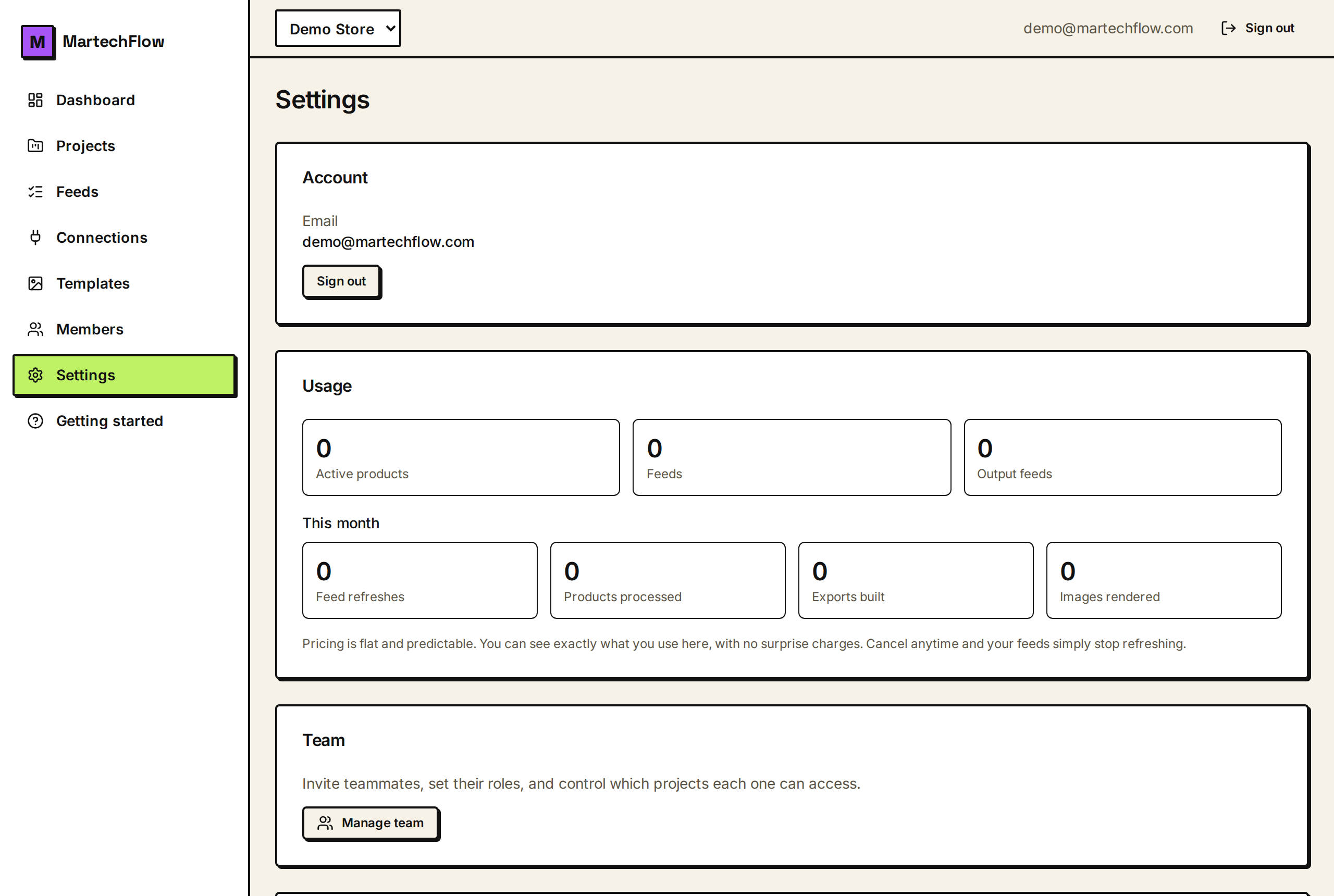
Keys are managed in Settings, in the API keys card (visible to admins and owners).
- 1Go to Settings and open the API keys card.
- 2Enter a descriptive Key name, for example 'Production server' or 'Nightly refresh script'.
- 3Choose Access: Read only, or Read and write.
- 4Click Create key.
- 5Copy the key immediately and store it in your secret manager. It is shown exactly once.
- The token looks like mtf_live_ followed by a long random string.
- After you close the create panel, the full token is gone forever. Only a short prefix is kept for you to recognize the key later.
- If you lose a key, you cannot recover it. Revoke it and create a new one.
Manage and revoke keys
The API keys card lists your live keys with their name, scope, key prefix, and when each was last used. You can revoke a key at any time.
Revoking is immediate: the next request using that key is rejected. Revoked keys are kept for audit, not reactivated, so to rotate a key you revoke the old one and create a new one.
- Last used shows when the key most recently authenticated, so you can spot keys you can safely retire.
- A key keeps working even if the person who created it leaves the organization; the key belongs to the org.
- Keys cannot manage other keys. Creating and revoking keys is a logged-in admin action only.
Keep keys safe
Treat a key like a password. Send it only over HTTPS, store it in a secrets manager or environment variable, and never commit it to source control or paste it into client-side code.
Use separate keys per system so you can revoke one without disrupting the others, and prefer read-only keys for anything that only needs to read.