Rebuild and retry a feed
When and how to rebuild a channel feed by hand, what 'Rebuild now' actually does, and how to clear a held build or a failed build.
What rebuild does
Rebuild re-runs the build for one channel feed right now, instead of waiting for the next scheduled refresh. It regenerates the output file from your current product data, mappings, and rules, re-validates every product, and (if the build is safe) promotes it to the live public URL.
It is honest about its scope: it rebuilds the feed file. It does not make the channel re-pull. The channel still fetches your public URL on its own schedule, so a rebuild updates what the URL serves immediately, and the channel picks it up the next time it pulls.
When to rebuild
Rebuild whenever you have changed something that should change the output and you do not want to wait for the next scheduled run:
- You fixed a field mapping or transform rule and want the fix reflected now.
- You changed an output schema or filter (excluded out-of-stock, changed a product set).
- A build was held by safe-publish and you have fixed the cause.
- A build failed and you want to retry it.
- You just want to confirm the latest data produces a clean feed before a channel pulls.
How to rebuild
Each channel feed card has a "Rebuild now" button. Clicking it queues the build; the work runs in the background, so the button shows "Queued" briefly and the card refreshes with the new result shortly after.
Rebuilding picks up an immutable snapshot of your current effective config, so even an edit made moments earlier is included. That snapshot also means each build is reproducible and tied to a specific config version.
- 1Open your feed and find the channel feed card.
- 2Click "Rebuild now."
- 3Wait a moment for the card to refresh with the new product count and status.
- 4Open Diagnostics to confirm the counts, the diff, and that issues cleared.
- 5If it was held or failed, confirm the build is now ready (published).
Retrying a held or failed build
A held build means safe-publish withheld it to protect your live feed (for example a count collapse or a missing required column). Rebuilding after you fix the cause is exactly how you clear a hold: a clean build is promoted and the hold notice disappears.
A failed build means the build hit an error and could not finish; the feed is marked in error and a critical alert is raised. Fix the underlying problem (often in the source data, mapping, or output schema), then rebuild to retry. If the failure was transient, the retry simply succeeds.
Either way, while a feed is held or failing, the public URL keeps serving the last good version if one exists, so your channel is never left with a broken feed during the retry.
After a rebuild
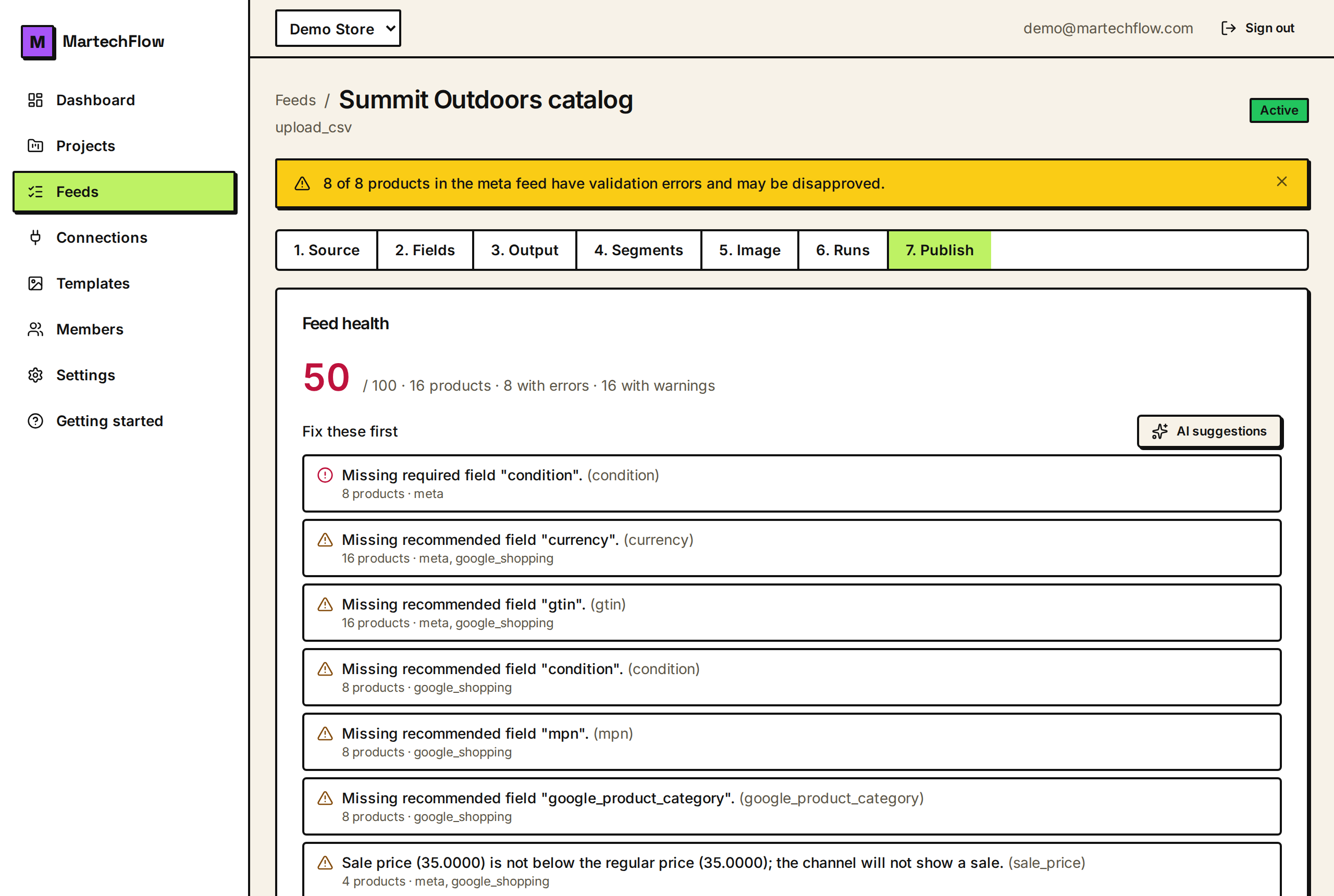
Once the rebuild is published, the public URL serves the new file immediately. The health score, fix queue, and per-product diagnostics all recompute against the new build, so check those to confirm your change had the intended effect.
Remember the last step is outside MartechFlow: the channel re-reads your feed on its own pull schedule. If you need it sooner, raise the fetch frequency in the channel account, or trigger a manual fetch there if the channel supports one.