Projects: organizing your feeds
Projects are folders inside your organization that group related feeds and their settings. Learn how to create, rename, archive, and delete projects, and how access is granted per project.
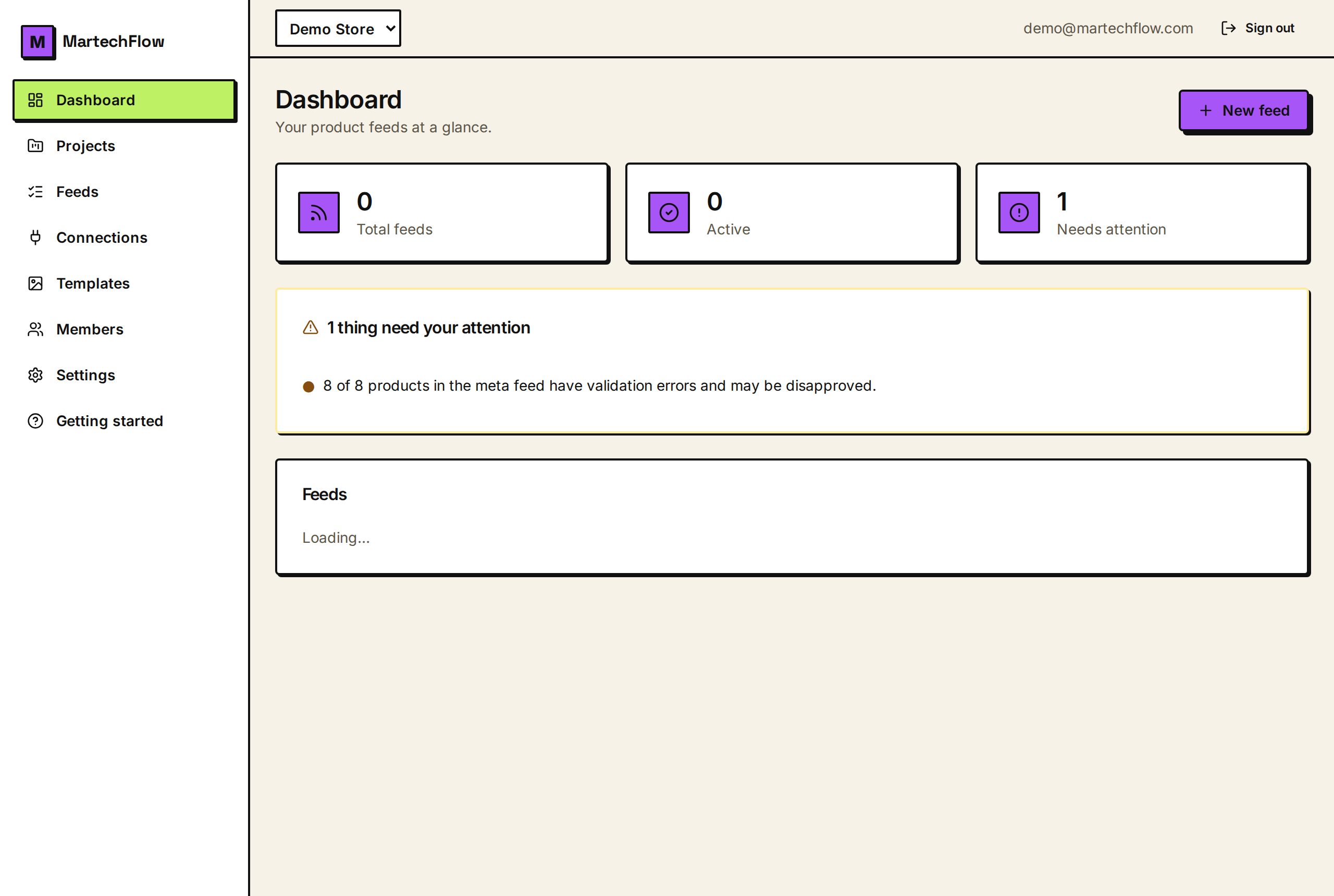
What a project is
A project is a workspace inside your organization that groups feeds and the resources they use. Every feed lives in exactly one project. Brand assets, connectors, and lookup files are also scoped to a project, so a project is a clean, self-contained bucket of work.
When you first sign up we create one project called "Default" so your first feed has somewhere to go. Most small stores happily run everything in a single project. The moment projects start to earn their keep is when you manage more than one store or brand, or when you are an agency handling several clients and want each client's feeds and access kept apart.
- One feed belongs to one project.
- Connectors, brand assets, and lookup files are isolated per project.
- Access can be granted per project, so teammates only see the projects you give them.
When to use more than one project
Use a single project if you run one store and want the simplest setup. Reach for multiple projects when you need separation.
- Agencies: one project per client keeps feeds, assets, and people fully isolated.
- Multi-brand businesses: one project per brand or region.
- Staged work: keep an experimental project separate from your live, channel-facing feeds.
- Least-privilege access: give a freelancer edit access to just one project and nothing else.
Create a project
Open Projects from the left sidebar. If you are allowed to create projects you will see a "New project" card at the top.
Owners and admins can always create projects. A plain member can create projects only if an admin has given them that permission; when a member does create one, they automatically become its project admin so they can run it.
- 1Go to Projects in the sidebar.
- 2In the "New project" card, type a name (for example "Client: Acme").
- 3Select "Add project." It appears in the list immediately.
Rename, archive, and delete
Each project in the list shows its feed count and your role on it. If you are a project admin (or an org owner or admin) you get management actions next to each project.
Archiving is a safe, reversible way to retire a project you are not actively using without losing it. The same button unarchives it. Deleting is permanent, and there is one guardrail: a project that still owns feeds cannot be deleted. Move or delete those feeds first, then delete the empty project.
- 1On the Projects list, find the project you want to change.
- 2Use "Rename" to give it a new name.
- 3Use the archive icon to archive or unarchive it.
- 4Use the trash icon to delete it (only works once it has no feeds).
- Rename: available to project admins and org owners/admins.
- Archive: reversible, hides the project from active use.
- Delete: permanent, and blocked while the project still has feeds.
Giving teammates access to a project
From the Projects list, project admins (and org owners/admins) get a "Members" action on each project. It opens an inline panel where you grant a specific member access at one of three levels: Read, Edit, or Project admin.
You only need to grant access to plain members. Org owners and admins already see and manage every project automatically, so they will not appear in the grant list. For the full picture of how org roles and project roles combine, see "Organizations, projects, and roles."