Compute discounts and sale prices
Map your sale price, and let MartechFlow compute the percent off automatically for badges, custom labels, and segments.
How sale pricing works
Two fields drive every discount in MartechFlow: Price (your regular price) and Sale price (the discounted price, when there is one). Map both in the Fields tab and the rest follows.
Channels show their own native sale badge when both prices are present, so the most important thing is to map Sale price correctly. If you also map Sale price effective date with a date range, channels can show the sale only during the window you set.
- 1Go to the Fields tab and map Price to your regular price column.
- 2Map Sale price to your discounted price column.
- 3Optionally map Currency (defaults to USD if left blank) and Sale price effective date for a timed sale.
- 4Save your mappings.
The automatic discount value
From Price and Sale price, MartechFlow derives a "discount" value: the whole-number percent off. For a $100 item on sale at $75 that is 25.
The rule is deliberately strict so you never show a fake or broken discount. The discount is only computed when there is a real markdown: the price must be a positive number and the sale price must be lower than it. If there is no sale price, or the sale price is the same as or higher than the price, the discount comes out blank rather than 0 or a negative number.
- Price 100, sale 75 gives discount 25.
- Price 50, sale 50 gives blank (no real markdown).
- Price 80, no sale price gives blank.
- The percent is rounded to a whole number.
Show the discount on your product images
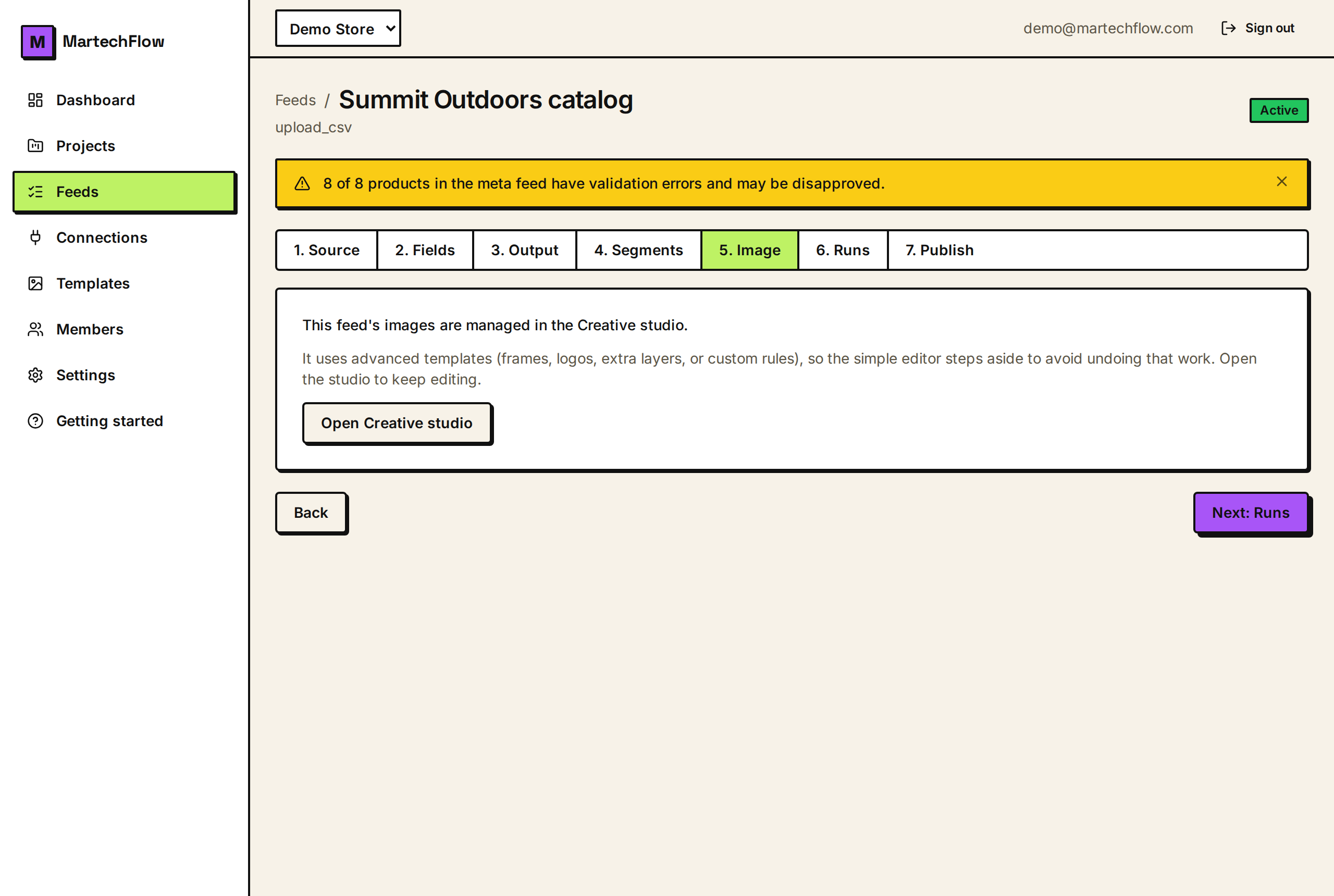
The most common use of the computed discount is an "X% off" badge on the product image. In the Image tab's badge editor you can place a badge whose text is built from the discount value, so it reads "25% off" and updates automatically as your feed prices change.
Because the badge is computed from feed data, products with no real markdown simply get no badge (the discount is blank for them), and products that go on sale get one on the next run. Promo overlays go only to channels that allow them (Meta, TikTok, Snapchat, Pinterest). Google and Microsoft always get the clean original image to avoid disapprovals.
Use the discount in labels and segments
The discount value is also available when you build segments (Product Sets) and custom labels. For example you can group every product where discount is greater than 30 into a "Big sale" segment, or set a custom label to "SALE" for any product that has a discount.
This lets you bid differently on deep discounts, or feature them, without hand-tagging products. As prices change, membership updates on the next run.