Import from Google Merchant Center
Connect Google Merchant Center to pull Google's real product disapprovals and issues into MartechFlow, matched to your products so you can see and fix what Google flagged.
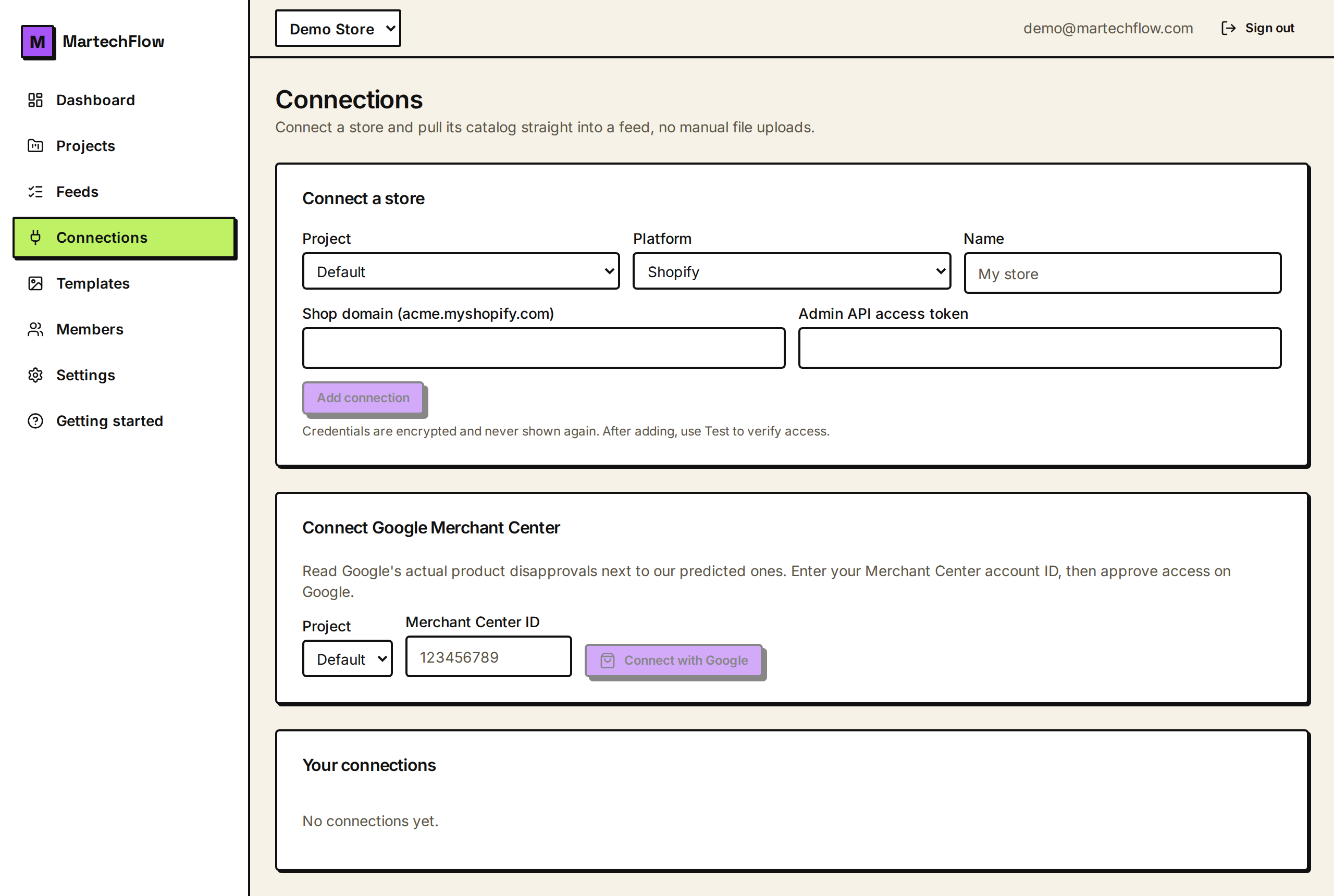
What this connection is for
Connecting Google Merchant Center brings Google's own verdicts on your products into MartechFlow. It reads each product's status and the exact issues Google raised, such as disapprovals and the reason codes behind them, and lines them up against the products in your feed.
This is not a way to pull your catalog into MartechFlow. It is a diagnostics connection: it shows you what Google actually thinks of products you already send, so you can fix the items Google rejected. To bring products in, use a feed URL, a Google Sheet, an uploaded file, or a store connection.
Connect with Google
Google Merchant Center connects through Google's secure sign-in (OAuth), so you approve access on Google's own screens and MartechFlow never sees your Google password. MartechFlow requests offline access so it can keep reading your product statuses on its own; the long-lived token it receives is stored encrypted, and short-lived access tokens are fetched only when needed.
- 1Open Connections and find the Connect Google Merchant Center card.
- 2Choose the project and enter your Merchant Center account ID (the numeric ID from your Merchant Center dashboard).
- 3Click Connect with Google and approve the requested access on Google's consent screen. Approve all prompts so Google grants offline access.
- 4You return to Connections with the account connected. If Google reports it did not grant offline access, connect again and approve every prompt.
Sync product issues
After connecting, use the Sync action on the connection to pull the latest product statuses from Google. MartechFlow keeps the products that have issues, keyed by their offer ID, which is the same product identifier your feed uses. Each sync replaces the previous snapshot, so what you see always reflects Google's current view.
Only products with issues are stored, which keeps the picture focused on what needs attention even for very large catalogs. Run a sync whenever you want a fresh read, for example after you have pushed fixes and want to confirm Google cleared them.
See Google's verdicts on a feed
Once synced, MartechFlow matches Google's issues to your feed's products by product identifier and summarizes them: how many of your products have issues, how many were disapproved, and the most common issue codes. That lets you compare Google's actual decisions with your feed's predicted readiness and prioritize the disapprovals that block the most products.