Organizations, projects, and roles
How MartechFlow's access model works: the organization is your tenant, projects group your feeds, and two layers of roles (org roles and per-project grants) decide exactly what each teammate can do.
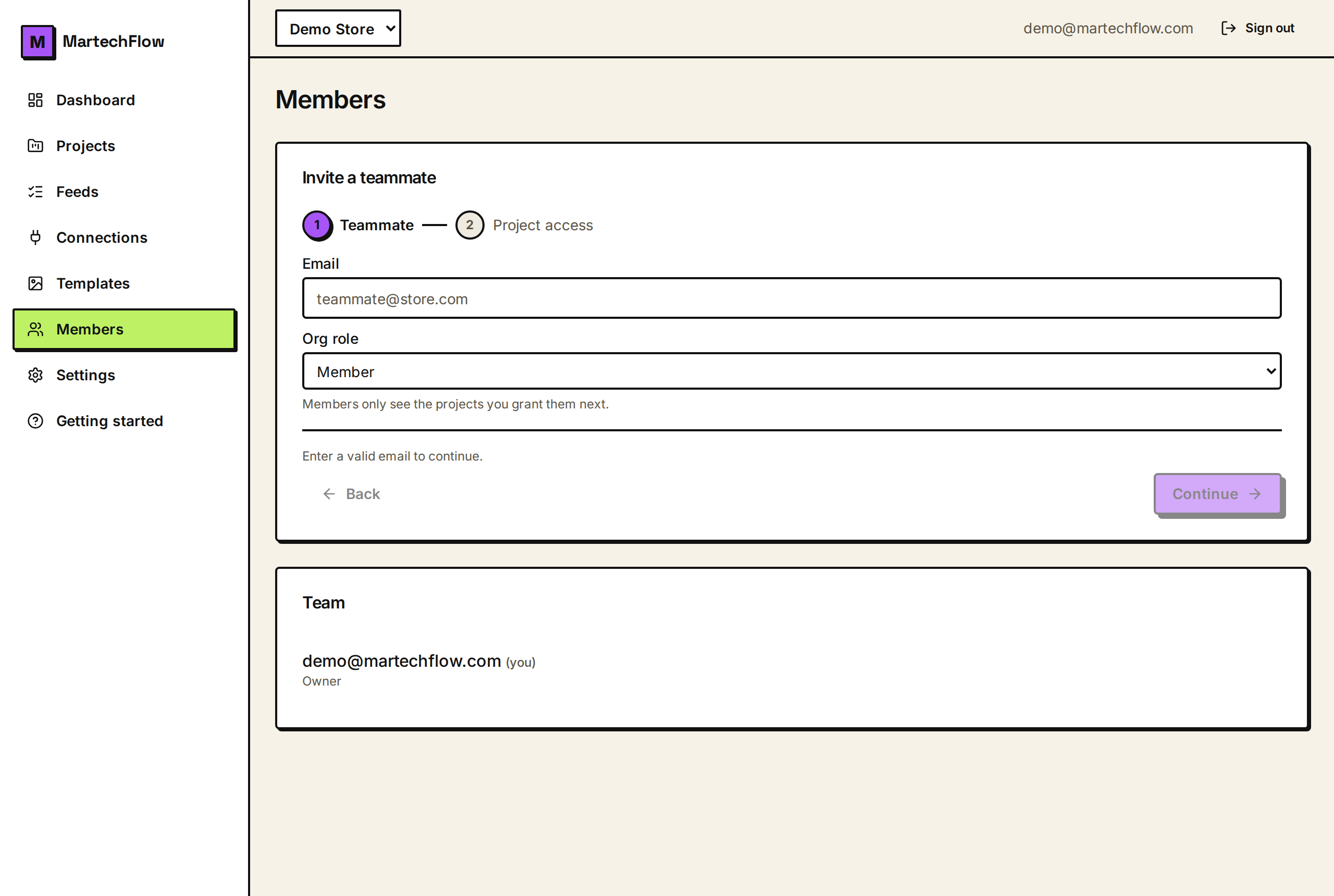
The hierarchy
MartechFlow has a simple three-level structure. At the top is your organization, which is your account boundary: it holds billing, all your data, and every member. Inside it are projects, which group feeds and their resources. Inside each project live the feeds themselves, along with that project's connectors, brand assets, and lookup files.
Access is decided by combining two layers: your role in the organization, and, for plain members, a grant on each individual project. This lets you keep things simple for a one-store team while still supporting agency-grade isolation when you need it.
Organization roles
Every member has exactly one role in the organization. These roles control org-wide capabilities like managing people and billing.
- Owner: full control, including billing, deleting or transferring the org, and managing other owners. There is always at least one owner.
- Admin: manages members and sees and manages every project in the org. Admins cannot do owner-only actions (touching owners, billing, deleting the org).
- Member: has no access to anything until granted a specific project. This is the least-privilege default.
Project roles (grants)
Within a project, access comes in three levels. Owners and admins get the top level on every project automatically, so you only assign these grants to plain members.
- Read: can view the project's feeds and data but not change them.
- Edit: can build and change feeds, mappings, and templates in the project.
- Project admin: everything Edit can do, plus managing that project's access grants and settings.
How the two layers combine
The rule is straightforward. An org owner or admin has implicit project admin on every project in the organization, so you never grant them anything per project. A plain member starts with nothing and sees only the projects they are explicitly granted, at exactly the level you give them.
A grant can only add access, never reduce it, so granting a member "Read" on a project never lowers what an owner or admin can do. One useful detail: when a member creates a project themselves, they automatically become its project admin so they can run it.
Safety rails
A few protections are built in so you cannot lock yourself out or accidentally break things. The last active owner of an organization cannot be removed or demoted: you must promote someone else to owner first. Only an owner can promote someone to owner, or remove or change an existing owner.
Access is always checked per request and derived from your session, never from anything the browser sends. If someone's role is downgraded, the lower access takes effect on their very next action.
- The final owner is protected; promote a replacement before stepping down.
- Only owners can create or change other owners.
- Admins can manage members and all projects, but not owners or billing.
- Members see only the projects they're granted.